
 Blog Post
Watch: Calculus, The Big Ideas
Most of calculus is one idea, held up to the light and turned slowly. This is a seven-episode animated playlist that does exactly that: it starts from approaching and never really leaves it.
The idea is the limit. Watch a run of guesses close in on a value they may never quite land on, and you have the whole engine. Everything after is that same move, seen from a new angle. The derivative is a limit: shrink an interval until a secant line becomes a tangent, and its slope is an instantaneous rate of change, the amount a function stretches a tiny nudge as it passes through a point. The chain rule is what happens when those stretch factors are stacked in stages: the rates multiply, like meshed gears. The integral runs the whole thing backward, adding up a rate over its domain to recover a total, an area built from infinitely many infinitely thin slices. The fundamental theorem then closes the loop and shows that the derivative and the integral were two views of one object all along: differentiate an accumulation and the original rate comes straight back.
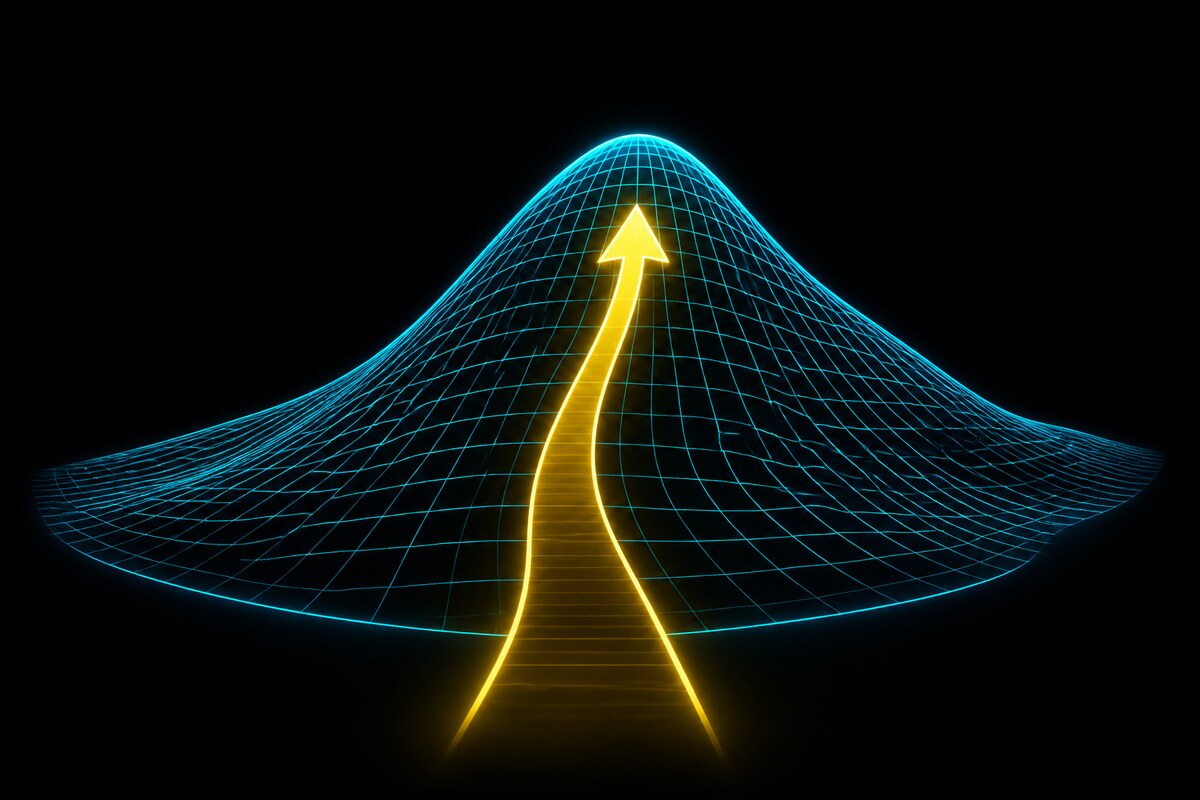
The last two episodes let the world have more than one direction. In many dimensions the slope grows into the gradient, a vector pointing straight uphill, and the second derivative becomes curvature; a peak is simply where the uphill direction vanishes. Optimization is the art of getting there when you cannot solve for that point directly: step along the gradient, over and over, or use the curvature to leap. That last pair is the ground under a great deal of applied mathematics, from fitting a model to its data to training a neural network.
Each episode is narrated and animated, math spoken as plain English rather than read off as symbols, and each one is deliberately load-bearing for the series that follow. If you have ever felt that calculus was a pile of unrelated rules, this is the argument that it is one subject, built from one idea.
The playlist
 Jul 2026
The Channel: Animated Series on YouTube
The metafunctor YouTube channel now carries animated versions of the site's series, built from the same source material with a from-scratch pipeline. Four playlists so far, thirty-seven videos.
 Jul 2026
Watch: Algorithms Arise from Algebraic Structure
The Stepanov series is now a nine-episode animated playlist: declare the algebraic structure, and the algorithms come for free. From the monoid to lattices, in teacher and student dialogue.
 Jul 2026
Watch: Inductive Biases, What Your Architecture Assumes
The inductive-biases series is now a ten-episode animated playlist: every architecture is a bet about the world, and the bet is the bias. No free lunch first, then each architecture read as its assumptions, graded on one scorecard.
 Jul 2026
Watch: Next-Token Prediction, from Solomonoff to Transformers
The sequential-prediction series is now an eight-episode animated playlist: what-comes-next as the foundation of the language-model era, traced from Solomonoff induction to the transformer.
 Jul 2026
Watch: Quantum Computing from Scratch, in Python
The quantum-from-scratch series is now a ten-episode animated playlist: a NumPy simulator built from nothing, amplitude bars you can watch interfere, and a classical on-ramp with the coin under the cup.
 Jul 2026
Extremal Graph Witnesses on the House of Graphs
Four extremal graphs deposited to the House of Graphs: a minimum C6-saturated graph and three Zarankiewicz witnesses. Plus two new exact saturation values, verified and prepared for deposit.
 Jul 2026
Fifteen Integer Sequences in the OEIS
Fifteen integer sequences now published in the OEIS: nine authored, six extended. Computed by SAT solving and exhaustive search, checked against prior art, spread across seven fields.
 Jun 2026
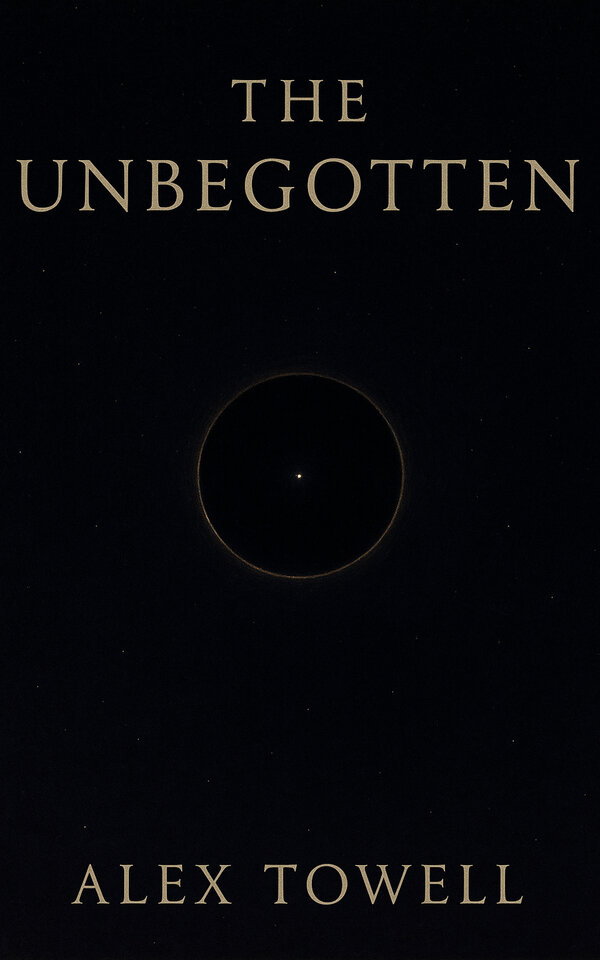
The Unbegotten: A Maker That Believes Itself Uncaused
A maker that only believes itself uncaused, lonely enough to fill the dark with worlds. On the debt between a creator and the things it creates.
Research Papers
View All Papers →This is the bound, systematic version of the Inductive Biases in Neural Networks series. Eight chapters, three parts, built on the pure-Python …
Featured Projects
View All →arkiv
Universal personal data format. JSONL in, SQL out, SQL back to JSONL. One format, one database, one query interface.
memex
Conversation knowledge base with enrichments, provenance tracking, and MCP server
chartfold
Patient-facing tool for consolidating personal health data from multiple EHR systems into a single SQLite database
longecho
Philosophy and tool for durable personal archives — validate, query, and build browsable single-file sites
clerk
clerk A thin CLI for LLM agents to interact with email via IMAP/SMTP. Philosophy Clerk is intentionally dumb. It’s a bridge, not a brain. …
CLI tool for cross-posting content to multiple platforms including dev.to, Bluesky, Mastodon, Hashnode, Medium, and more. Supports markdown with …